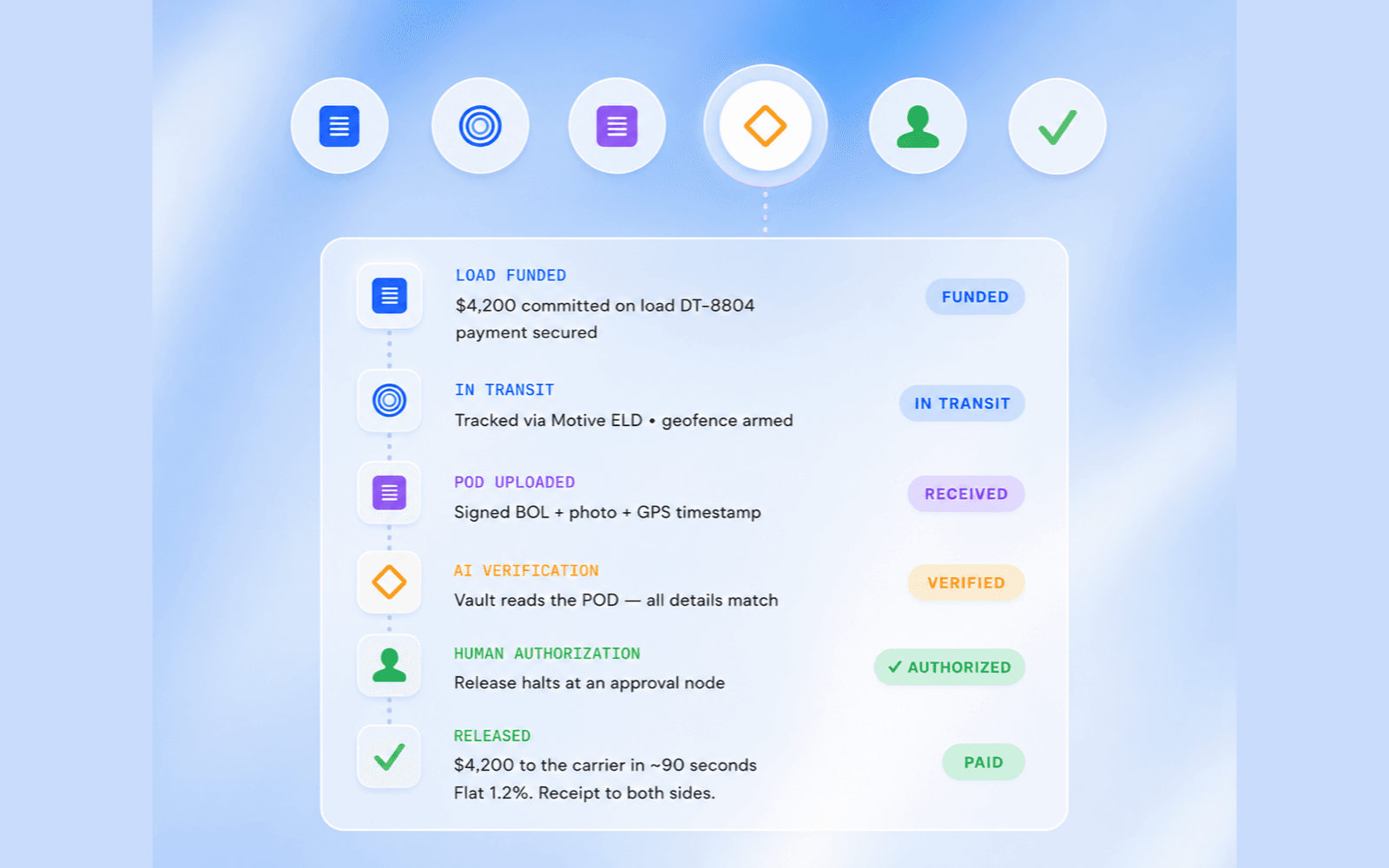

Quick answer: Use one system as the student record, then automate each stage from it: enquiry capture and counsellor tasks for admissions, instalment schedules with payment reminders and links for fees, and triggered messages for missed calls, pending documents and dues. Start with enquiry follow up and fee reminders, because that is where institutes lose the most money. Keep every admission decision, waiver and refund with a person.
ProMonkey is a Gurugram based AI automation agency that has delivered 240+ projects since 2016, including the CRM and student platform behind Classic Fitness Academy. I work on how these systems are wired together, so this guide is about how the pieces actually connect, not just what the feature list says.
What can be automated at each stage, and what stays with staff?
Before you buy or build anything, map your stages. Most institutes find the same pattern: the repetitive admin can run on its own, and the judgement calls should not.
Enquiry: What automates: Capture from ads, website, calls and chat into one pipeline; assignment to a counsellor. Who approves: Nobody, it should be instant.
Counselling: What automates: Call tasks, reminders, demo class bookings, status history. Who approves: Counsellor decides what to say and any offer.
Admission: What automates: Form, document checklist, pending document reminders. Who approves: Admissions head approves the admission.
Fees: What automates: Instalment schedule, reminders, payment links, receipts, overdue flags. Who approves: Accounts approves waivers, extensions and refunds.
Batches: What automates: Batch allocation, timetable, announcements. Who approves: Academic coordinator confirms changes.
Attendance and progress: What automates: Absence alerts, test reminders, result messages. Who approves: Faculty owns results and any correction.
Reporting: What automates: Daily dashboards per counsellor, centre and batch. Who approves: Management reviews.
The right hand column is the part people skip. Write it down first, then automate around it.
How does admissions automation work, step by step?
A clean admissions flow looks like this:
Capture. Every enquiry, whatever the channel, creates a lead with source, course interest and centre.
Assign. The lead goes to a counsellor by course or centre, and a first call task appears immediately.
Acknowledge. The student gets an automatic message with course details and a note that a counsellor will call.
Follow up. Each call outcome (interested, call back, visit booked, not reachable) creates the next task on its own.
Convert. When the student decides to join, the counsellor starts the admission from the same record, so nothing is retyped.
Documents. A checklist tracks what is pending, and reminders go out until it is complete.
Approve. The admissions head approves, and the student moves into fees and batches.
The important design choice is step 5. If the enquiry system and the student system are separate, you will copy data between them forever.
How do you automate fee instalments and reminders without annoying parents and students?
Fees are where automation pays back fastest, and also where a careless setup can sour a relationship. Three principles help.
Set the schedule at admission. When a student enrols on an instalment plan, the system should create every due date immediately, so reminders run from the plan rather than from someone checking a sheet.
Make paying easy. Each reminder should carry a payment link, so the student or parent can pay by UPI, card or net banking in one tap, and the receipt should be generated and sent automatically.
Keep the tone human and the cadence short. A sensible schedule:
A few days before due: Message: Friendly heads up with amount, date and payment link. Tone: Informational.
On the due date: Message: Reminder with payment link. Tone: Polite.
A few days overdue: Message: Second reminder, offer to talk if there is a problem. Tone: Understanding.
Further overdue: Message: Task for the accounts team or counsellor to call. Tone: Personal call, not another message.
Notice that the last step is a person, not a fifth automated message. Families who are struggling to pay respond to a conversation, and any extension or waiver should be a staff decision anyway.
Which follow ups should be triggered automatically?
Triggered messages are the quiet workhorses of a well run institute. Good candidates:
A missed call from a counsellor, followed by a short message asking for a better time
A demo class or centre visit booked, with a reminder before it
Admission documents still pending after a few days
Fee instalment coming due, due today, or overdue
A student absent for several classes in a row, flagged to the coordinator
A test scheduled, with a reminder the day before
Results published, with a link to view them
Every one of these should come from a status change in the student record. If a person has to remember to send it, it is not really automated.
Packaged ERP or a system built around your institute?
Institute management products give you many of these modules ready made. They are a good fit if your admissions process, fee structure and batch model are close to what the product expects, and the per user or per student fee is small next to your revenue.
A custom system makes sense when your counsellors work leads in a way the product cannot model, when fees follow rules the product handles badly, when you run several centres or franchise partners, or when the monthly cost climbs with every hire.
When not to build custom. If you run one centre with a straightforward fee structure, buy a packaged product and spend your effort on using it well. A custom build is a commitment, and it only earns its cost when the volume is high and the process is stable enough that you are not redesigning it every term. If your courses, pricing or centres are still changing quickly, wait.
Our published starting prices are on the pricing page; every project begins with a $750 paid discovery that is credited to the build if you go ahead, and a lead response and qualification build starts from $2,500.
Example: CFA's collections with EMI tracking and per counsellor reporting
Classic Fitness Academy runs direct and franchise centres across India and beyond. Its sales used to run on an off the shelf CRM where per user pricing grew with every hire and each centre worked in its own silo.
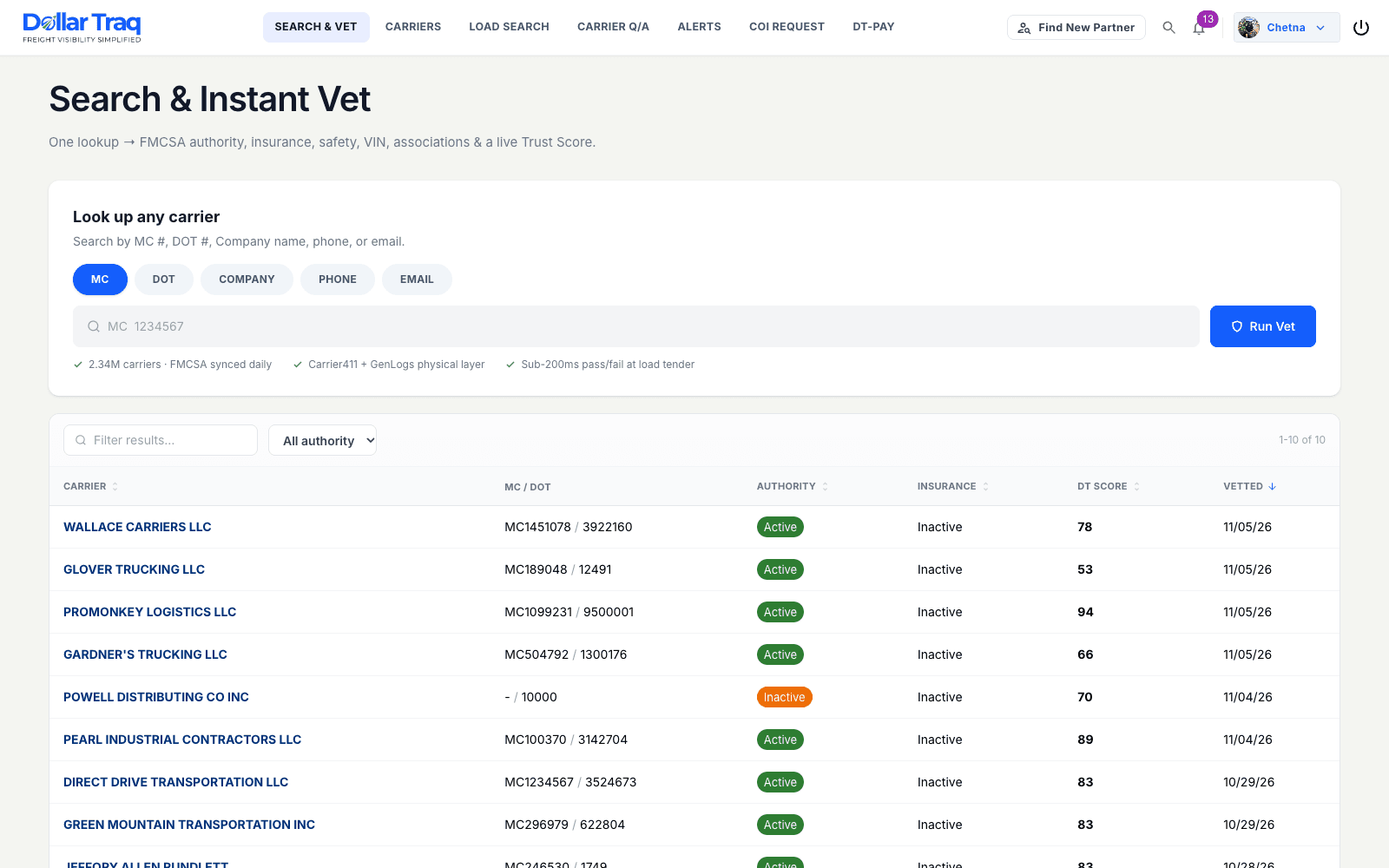
We built one custom CRM as the student record. Leads come in from calls, forms and chat, follow up tasks are created daily, and SMS and email reminders are wired into those tasks. Collections run with EMI tracking, so fee follow ups no longer live in spreadsheets. Management sees leads handled, calls made and revenue against collections for every counsellor in real time, across every centre.
Today the platform holds 130,000+ leads and 8,000+ enrolled students. The academy reports a 40% overall efficiency improvement and pays 0 licence fees, because it owns the system. In 2026 we also moved CFA's whole digital ecosystem to a modern stack, which you can read about in the platform migration case study.
More on how we work with institutes is on our education and training page. If you want to map your own admissions and fee flow, book a call.
Frequently asked questions
What should a coaching institute automate first? Start with enquiry follow up and fee reminders. That is where most institutes lose admissions and money, and both are easy to measure once they run from one system.
Can fee reminders include a payment link? Yes. Each reminder can carry a payment link so students or parents pay by UPI, card or net banking, and the receipt is generated and recorded against the instalment automatically.
Should admission decisions be automated? No. Automate the capture, follow up, document checks and paperwork, but keep the admission decision, fee waivers, extensions and refunds with a person on your team.
How often should fee reminders go out? A short, polite sequence works best: a heads up before the due date, a reminder on the day, one more a few days later, and then a personal call rather than more messages.
Is a custom system better than institute ERP software? Only for some institutes. Packaged software suits standard processes and single centres. A custom system fits multi centre institutes whose admissions or fee rules the products cannot follow, or where per user costs keep rising.