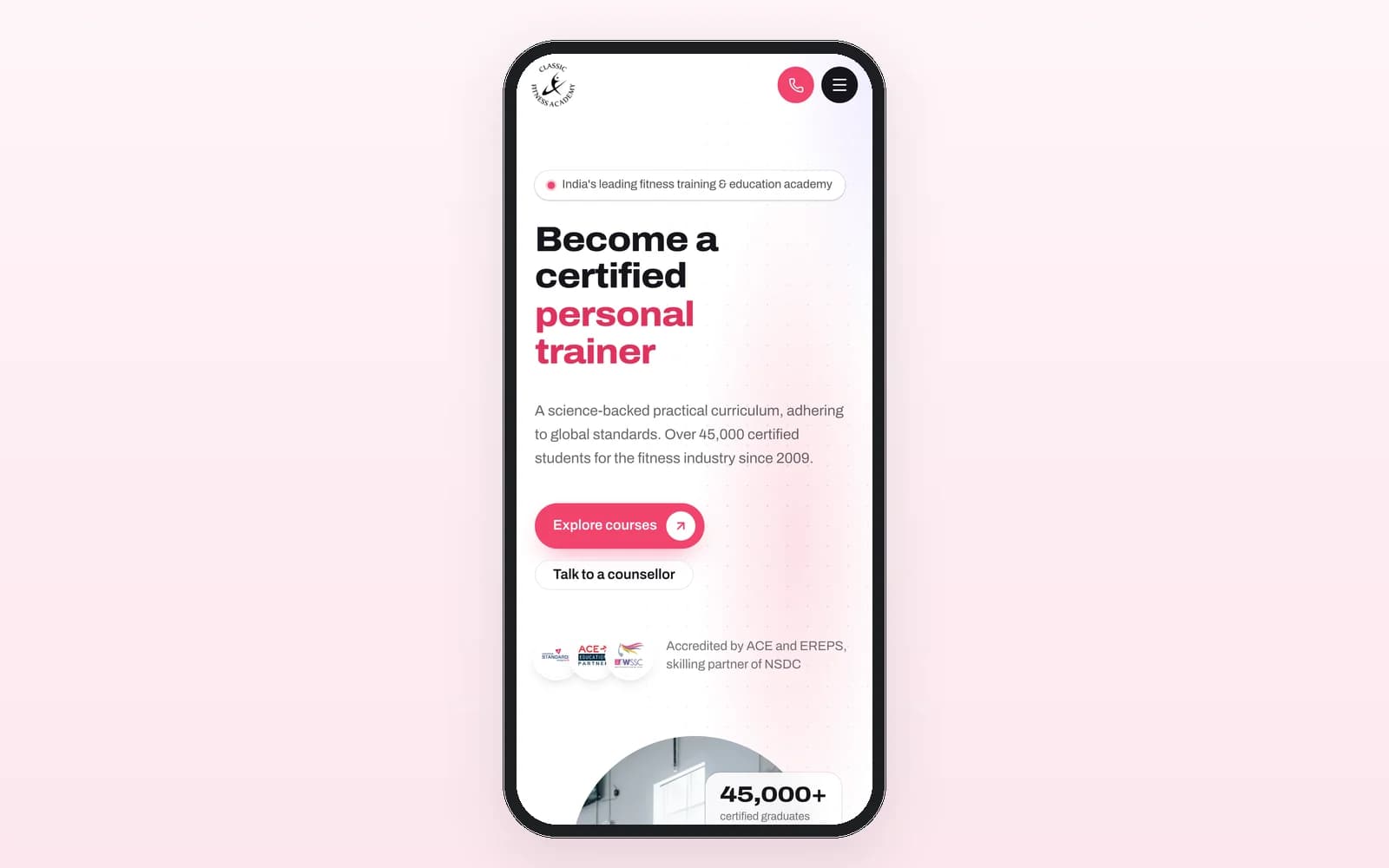
Short answer: You migrate a legacy CRM safely by mapping every old table to a clean new schema, moving data in verified phases with counted reports and staging dry runs, and cutting over only when every number matches. That is how we moved Classic Fitness Academy's six year old platform, including 82 legacy tables, over 130,000 leads and 275,000 tasks, without losing its history.
Most migration horror stories have the same cause. Someone treated the data as an export and import job instead of an engineering project. The code is the easy part to replace. The history is what the business actually runs on.
When is it time to rebuild instead of patching?
Past a point, every new feature on a legacy stack costs more than it returns. CFA had reached that point by 2026. The ecosystem we had built for them in 2019, a CRM, admin portal, student app, exam app and website, had run the academy faithfully for six years. But:
The PHP and MySQL stack was getting slower and harder to maintain with every new feature.
Six years of organic growth had left duplicate entities, orphaned records and no enforced relationships. There were 82 tables with zero foreign keys.
The CRM and admin panel were two separate frontends on one shared database, with duplicated master data and separate user systems.
Students juggled two apps, one for learning and one for exams.
If your list looks like this, patching is buying time, not fixing anything.
What has to happen before a single record moves?
A data consolidation map. For CFA we redesigned the 82 legacy tables into a clean relational schema with proper foreign keys, deduplicated entities and validated data.
This is the step teams skip, because it produces no screens. It is also where the real risk is removed. Every question you answer on paper, such as which of two duplicate student records wins, or what an orphaned task should attach to, is a question you will not be answering at midnight on cutover day.
How do you migrate in verified phases?
The approach we used, as described on the case study:
Counted migration reports. For every entity, the number of records in the source and the number in the target, side by side.
Dry runs on staging. The full migration runs against a copy before it ever touches production.
Spot checks with the client. People who use the data daily check real records they know.
Cutover only when every number matches. Not when the deadline arrives.
The same discipline applied on our Coffee & Creative build, where every brand, user, task, comment, attendance record and announcement came across with legacy IDs preserved for traceability, verified against the source before go live.
What we actually built
We rebuilt all five CFA systems on Next.js, Express and PostgreSQL:
One unified web panel replaced the separate CRM and admin portal, so sales, admin, exam and teaching teams work in one system with one user model and role based access.
One combined mobile app replaced the separate student and exam apps, carrying courses, payments, material, exams, results and certificates.
The website got a careful refresh with content and URLs untouched, verified by a pre cutover SEO and Ads parity audit.
A full migration: over 130,000 leads, 275,000 tasks, 8,000+ students and 7,700+ certificates, all accessible in the new system with their history.
Working integrations preserved: telephony, WhatsApp messaging and the payment gateway carried over without disruption.
SOP manuals per role, written around what changed from the old system.
The outcome: five systems became three clean surfaces, one panel, one app and one website. The platform went live end to end within weeks of kickoff, and the old system was retired on cutover night.
How did AI assisted development change the timeline?
The rebuild was delivered with our AI assisted development process: specifications written by our team, implementation executed with AI coding agents under human review. That compressed what would have been a multi quarter rebuild into a matter of weeks.
The part AI did not replace is the part that matters most in a migration: deciding what the data means. The consolidation map and the verification steps were human work.
What is the most common migration mistake?
Our view: migrating passwords, URLs and data you do not understand just because they exist.
Passwords. On Coffee & Creative, old passwords were never migrated. Every user moved to modern authentication. Carrying weak credentials into a new system defeats part of the point.
URLs. On CFA, the opposite was true. Website URLs were deliberately kept unchanged to protect six years of search equity. Change URLs only when you have a redirect plan and a reason.
Unknown data. If nobody can say what a column is for, find out before you move it. Do not quietly drop it either.
Do users need training after a migration?
Yes, and it should be about change, not features. CFA's teams were onboarded with SOP manuals per role, written around what was different from the old system. People do not need a tour of a CRM they have used for six years. They need to know which three things moved.
What does it cost?
A rebuild and migration of a system your business runs on is a custom operations platform, which starts from $12,000. It starts with a $750 paid discovery, credited to the build, where we map your data and tell you whether a rebuild is worth it. See pricing and custom CRM and ERP development.
Read the full CFA platform migration case study, or book a call.
Frequently asked questions
Is it risky to rebuild a system the business uses every day? The risk is managed by migrating in verified phases: counted migration reports, dry runs on staging, spot checks with the client, and a cutover only when every number matches.
How much data can be migrated without loss? On CFA we migrated over 130,000 leads, 275,000 tasks, 8,000+ students and 7,700+ certificates, all with their history.
Will a new website hurt our SEO? It should not if content and URLs stay the same. CFA's refresh kept content and URLs unchanged and ran a parity audit before switching.
Can existing integrations be kept? Yes. CFA's telephony, WhatsApp messaging and payment integrations carried over without disruption.
How long does a migration take? It depends on the data. CFA's rebuild went live end to end within weeks of kickoff, using AI assisted development under human review.