
Your CRM bill grows with headcount because most rented platforms charge per user, so each hire adds a license. A custom operations platform can cap that cost, own the workflow, and stop your team keeping a spreadsheet next to the CRM, but only when the current tool is actually getting in the way.
Renting is reasonable when the standard workflow fits and the seat count is still small. It becomes a software tax when every new counselor, recruiter, broker, or account manager adds a monthly fee, and when the work still spills into spreadsheets because the rented system cannot do what the business does.
Why does a CRM bill rise every time you hire?
Per-seat pricing is simple to sell and expensive to live with. The vendor charges for access. Your company pays again each time it adds a person who needs to see the pipeline, update a record, or run a report. The workflow, the data model, and the roadmap still belong to the vendor.
The hidden cost is larger than the license line. People create side spreadsheets for the steps the CRM cannot do. Reports show the vendor's idea of what matters, so managers export data and rebuild the real picture by hand. Simple changes wait on a support ticket. You pay once in fees and again in lost hours. Staffing teams see the same pattern in applicant tracking systems that charge by recruiter, freight teams see it in add-on modules around a TMS, and academies and agencies see it when every counselor or account manager needs a seat.
A crossover point, where owning costs less than renting, depends on your seat price, your user count, the work that happens outside the CRM, and the cost of a build. We will not publish a single headcount threshold until that number is confirmed. The useful test is more direct: add up the annual license bill, the time spent administering the tool, and the time spent in shadow spreadsheets, then compare that with a fixed-cost system your team actually uses. Discovery is the place to run that comparison on your numbers.
What are the signs it is time to consider a custom system?
Four signals show up again and again:
The software bill rises every time you hire, including people who only need narrow access.
The team keeps a spreadsheet next to the CRM for work the CRM cannot do.
Simple changes need a support ticket and a wait, so the process is bent to fit the tool.
Reports show the vendor's idea of important rather than yours, and decisions are made in exported files.
One of these is often tolerable. Three means you are paying twice. At that point, the question is no longer "which feature are we missing?" It is "should we keep renting a workflow we do not control?" A quieter fifth signal is that new hires take too long to become useful, because training has become a tour of workarounds. That is a design problem, not a people problem.
What does a custom CRM or operations platform actually change?
A custom system changes three things at once: cost shape, workflow fit, and ownership.
Cost shape means you are no longer adding a license for every new user. The platform has a build cost and, if you want ongoing help, a retainer. Usage, such as model or messaging costs, is billed at cost. Headcount can grow without the software line growing in lockstep.
Workflow fit means the stages, fields, approvals, and automations match how you sell and deliver. The system follows the work, instead of the work following the vendor's default pipeline, whether that work is freight exceptions, staffing shortlists, academy enrollment, or agency jobs.
Ownership means you own the code, the data, and the roadmap. Integrations can be built around the tools you keep, so information flows in one direction instead of being retyped. When you need a change, you do not wait at the back of a vendor queue.
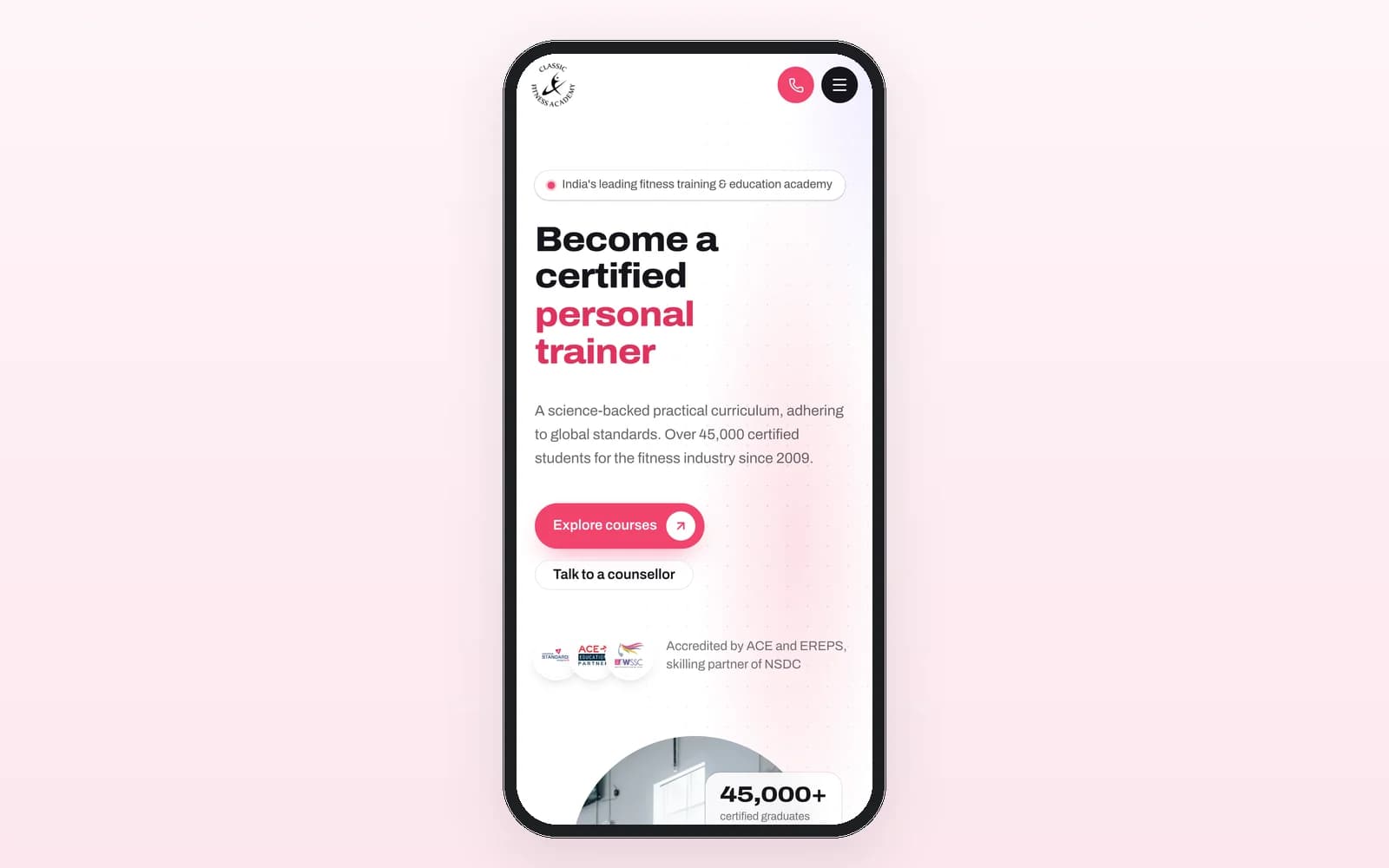
We have already published one public example. Classic Fitness Academy, a Shark Tank India featured academy, replaced a rented CRM with a custom operations engine. The live case study is the source for the outcome figures. This post does not repeat those numbers.
A custom build is also how we approach CRM and ERP work more broadly: a system shaped around operations, not a pile of seats. The same idea sits behind the Dollar Traq AI operating system in freight, where the platform sits on top of the broker's existing TMS rather than asking the broker to rent yet another workspace for every user.
When should you extend the current platform instead of replacing it?
Building is not always the answer. If the current platform is fundamentally sound, extending it beats replacing it, and we will say so early.
Extension is the better path when most of the work already happens inside the tool, the data model is close to how you operate, and the gaps can be closed with integration, automation, or a narrow custom layer. Replacement is the better path when the tool forces a process you do not use, when shadow spreadsheets have become the real system, or when per-seat pricing and vendor change queues are now part of the operating cost.
A useful rule is to change only what is broken. Keep the systems that still do their job, such as a TMS, an ATS, or an accounting package, and build the operations layer around them.
This is also why we start with a map, not with a rebuild. The first conversation should name the steps that happen outside the CRM, the people who need access, the approvals that matter, and the reports you actually run. Only then is it clear whether you should extend, replace, or leave things as they are.
How is a custom build typically priced?
We publish starting-from floors in USD, not per-seat rates, on the pricing page:
Discovery: $750, credited to the build
Lead response and qualification: $2,500
Back office automation: $3,000
Document and data extraction: $4,000
AI voice agent: $5,000
Custom operations platform: $12,000
Operations retainer: $500 a month
Usage billed at cost
A custom CRM or operations platform starts from $12,000. That is a floor, not a quote, and it depends on the workflow, the integrations, and the approvals that must be built in. Discovery exists so that quote is fixed and specific, and the $750 is credited if you go ahead. You then own the system, and you do not add a license every time you hire.
How does this show up in the industries we serve?
In staffing and recruitment, per-seat tools often charge for every recruiter, while the real work is screening volume, after-hours replies, and shortlist approval. The recruiter still approves the shortlist. See recruitment automation for that pattern.
In freight and logistics, the core system is often a TMS the team should keep. The expensive part is the work around it: vetting, documents, inbound calls, and exceptions. A custom layer can sit on top, instead of adding a seat-based product for every coordinator.
Education and training, agencies and professional services, and ecommerce and D2C brands see the same tax when every counselor, account manager, or support seat adds a fee, and when the real work still lives in a sheet. The industry changes. The question does not: are you renting a workflow, or do you own the one you actually run?
Frequently asked questions
Why does a CRM bill go up when a company hires? Because most rented CRMs charge per user. Each new person who needs access adds a license, and the workflow still belongs to the vendor. The bill also rises in hidden hours when the team keeps spreadsheets for work the CRM cannot do.
When is a custom CRM better than a per-seat tool? When the license line and the workarounds are both growing, when simple changes wait on a vendor, and when reports do not match how you run the business. If the current platform is fundamentally sound, extending it is better than replacing it.
Do you have to replace the current CRM to get this benefit? No. Many teams should keep the systems that still work and add a custom layer for the workflow, the approvals, and the integrations. Replacement is for cases where the current tool forces the wrong process or has become a tax.
What does a custom operations platform typically cost? A custom operations platform starts from $12,000. Discovery starts from $750 and is credited to the build. An operations retainer starts from $500 a month, and usage is billed at cost. These are starting-from floors, not quotes. The pricing page has the current list.
Who owns the system after it is built? You own the code, the data, and the roadmap. That is the point of building rather than renting. We can stay on to improve it under a retainer, but the system is yours.
How do we start? Book a call. We will look at your seat count, the work that happens outside the CRM, and the approvals you need, then tell you honestly whether to extend, replace, or leave the current tool in place.
If your CRM bill rises every time you hire, or if the real workflow now lives in a spreadsheet, book a call. We will map the process and tell you whether a custom system is worth it.